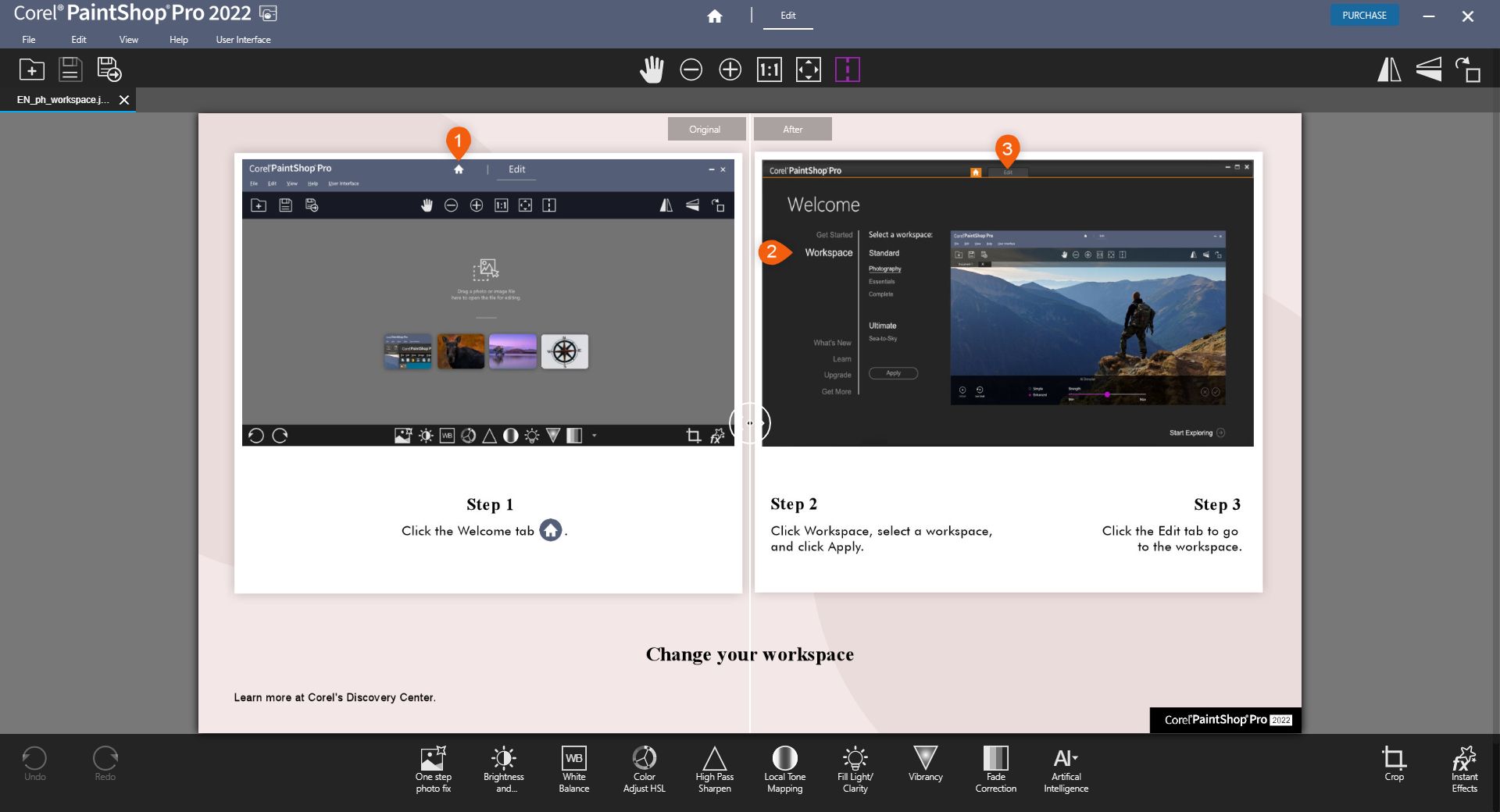
When it comes to photo editing software, nothing quite scales up to Adobe Photoshop. However, beginners find it burdensome to commit to Adobe's subscription model. Well, if you are a Windows user working on a budget, you are in luck. Corel PaintShop Pro is the ultimate beginner tool, offering Photoshop-like features. Let's check it out!
Features and capabilities
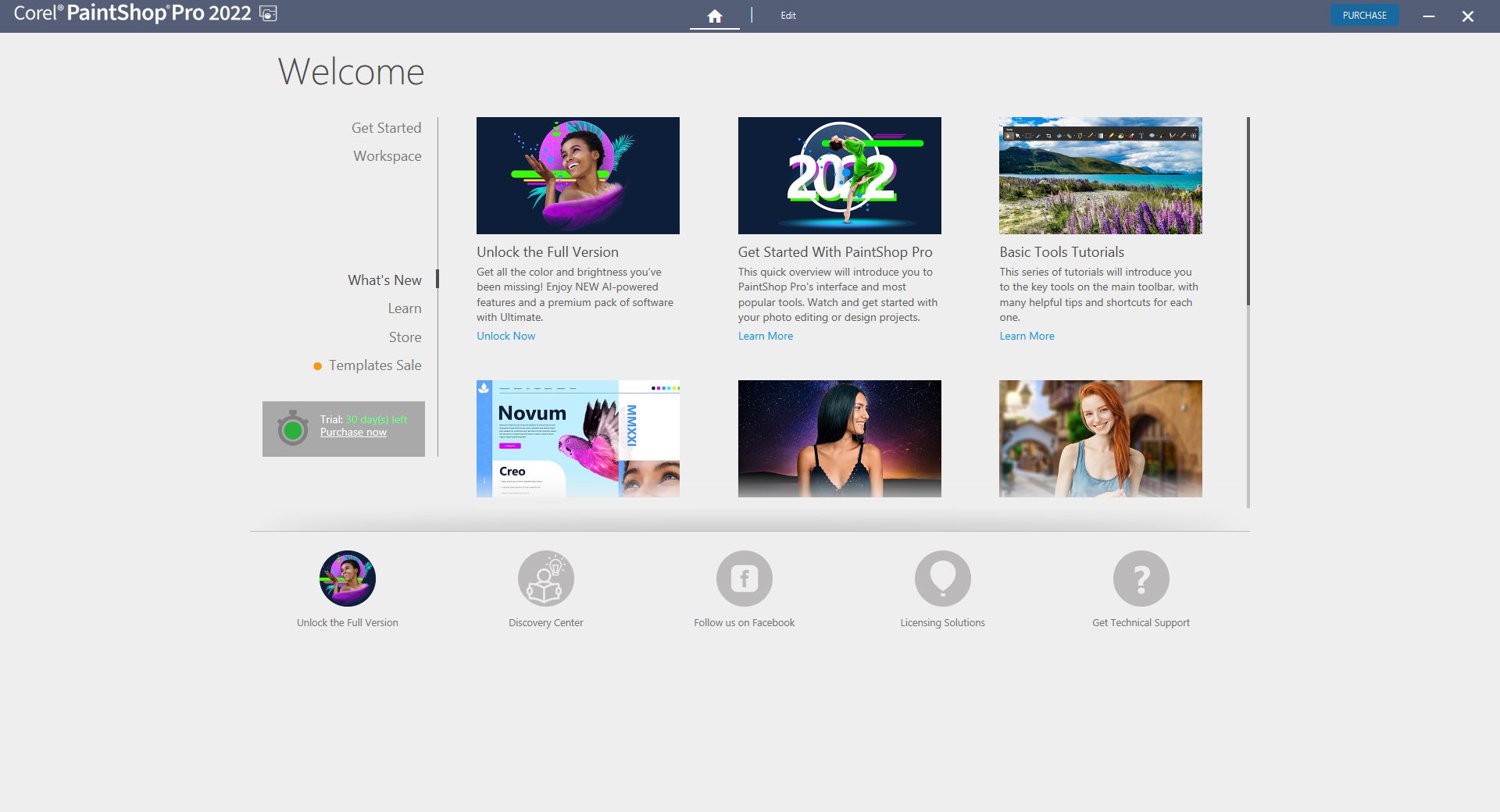
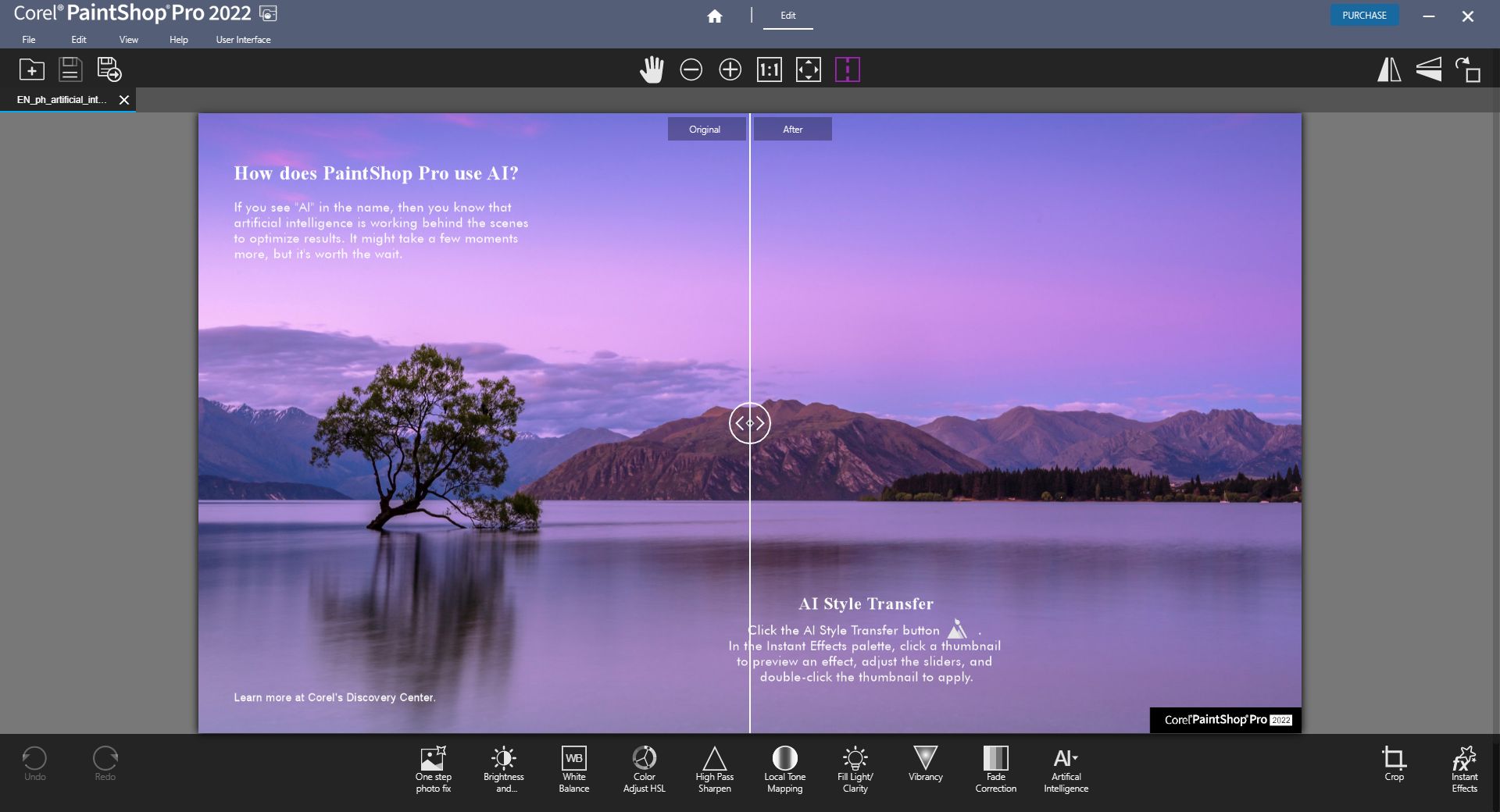
PaintShop Pro is a constantly evolving image editing software by Corel. Besides offering a modern welcome screen and AI Style Transfer, it is packed with powerful features. The toolset includes Focus Stacking, AfterShot Lab, Frame Tool, AI Background Replacement, AI Portrait Mode, and creative content like brushes and patterns. It also ensures compatibility with modern file formats, including support for iPhone photos (HEIC/HEIF).Workspaces and usability
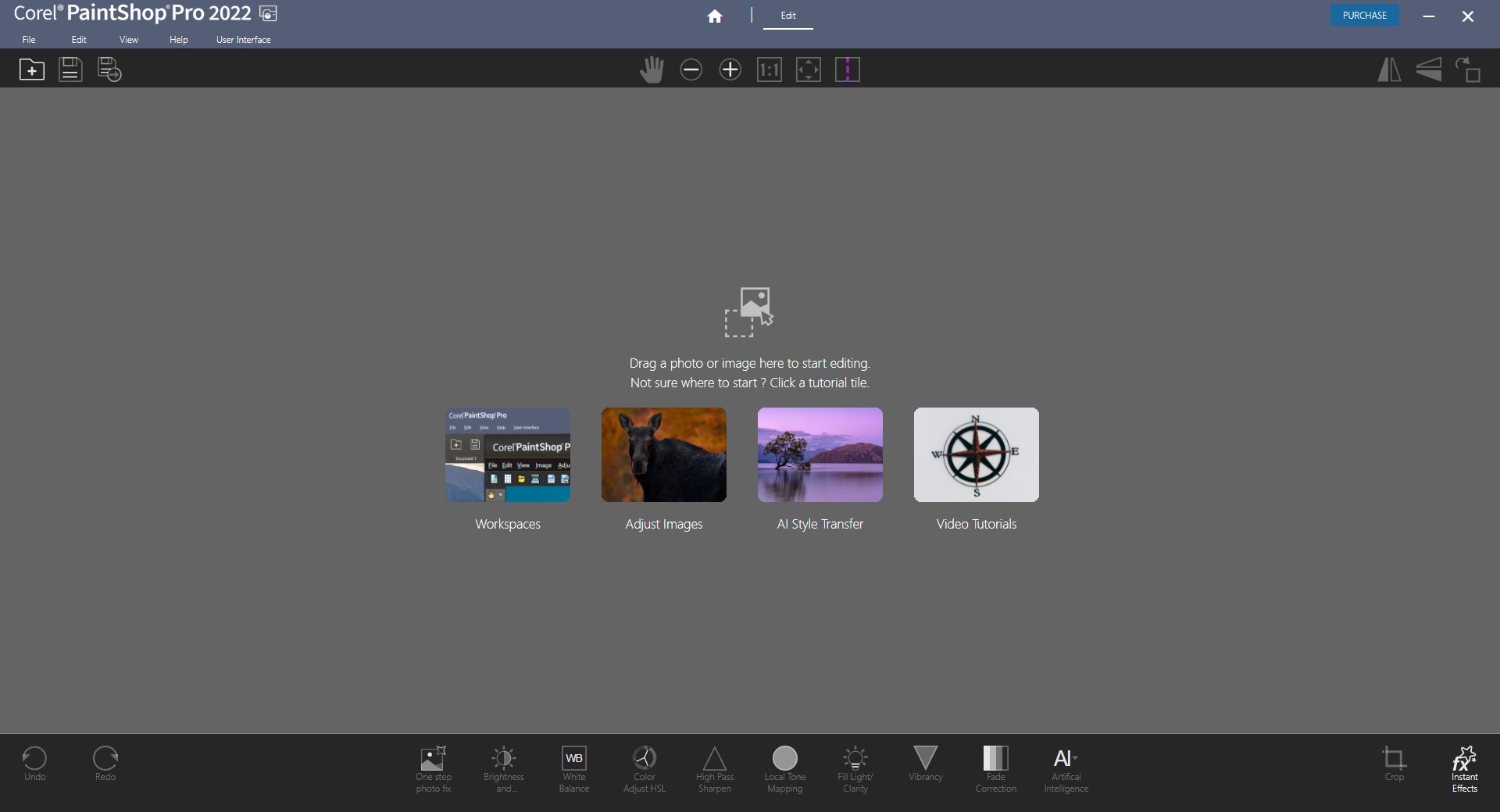
What makes it the top choice for beginners is its three different workspaces. For simple and quick editing, you can use the Photography workspace, whereas Essentials is perfect for those just starting out. The Complete workspace does what its name suggests: unlocks the full potential of PaintShop Pro. Corel has a plethora of built-in tutorials for newcomers, so you should be able to grasp PaintShop Pro without much trouble.Comparison with competitors
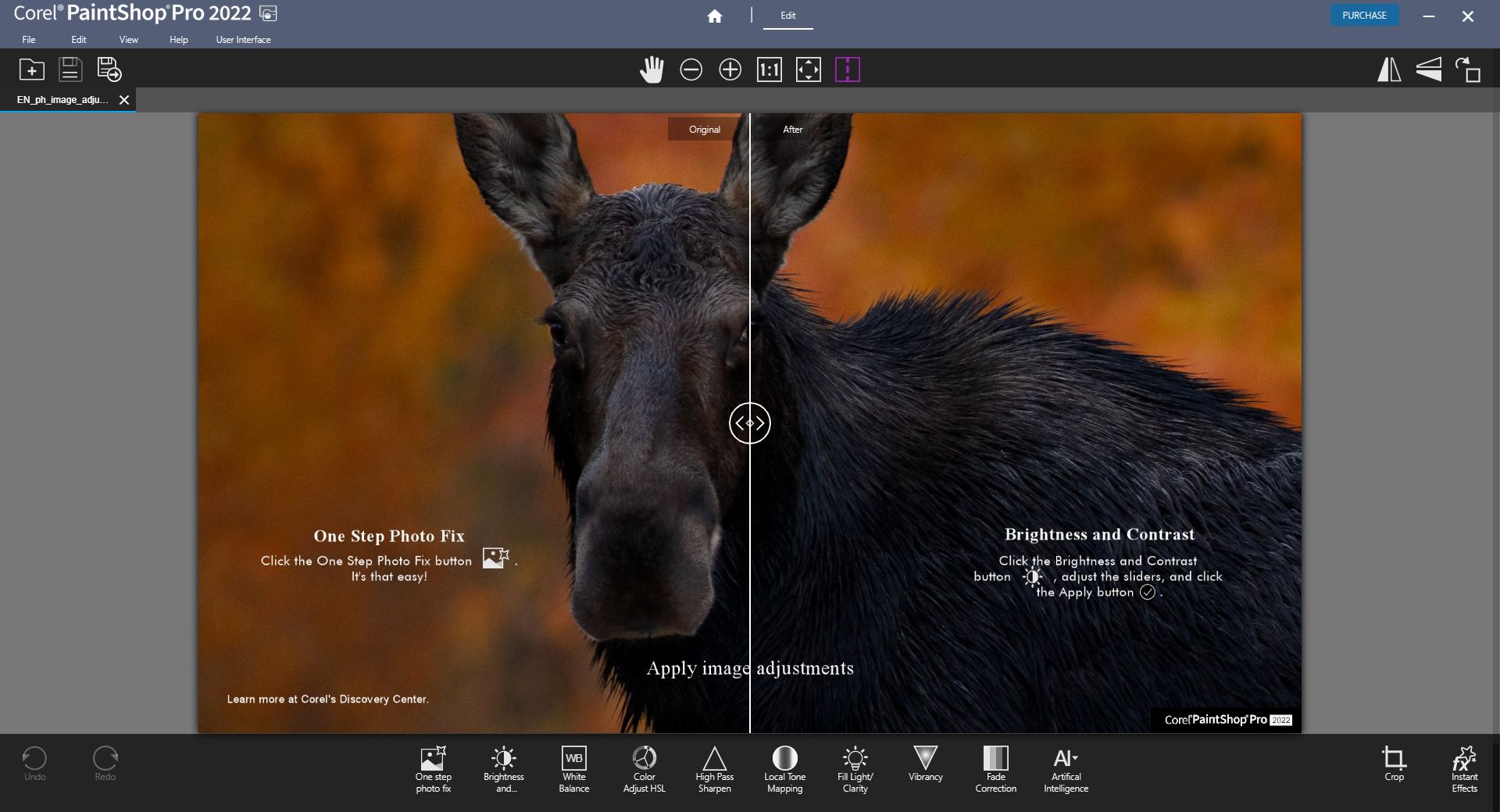
Detailed typography and 3D modeling are the missing features compared to Adobe Photoshop. However, it does sport gradients, effect filters, Magic Move, and other advanced image editing tools. PaintShop Pro supports editing for both raster and vector images in a single application, whereas Adobe often separates these workflows across Lightroom, Photoshop, and Illustrator.A solid one-time purchase alternative
Corel PaintShop Pro is a one-time payment type of deal, unlike Adobe's subscription model for Photoshop. The exact fee varies based on your region and any ongoing promotions or discounts. A clunky UI has been its main grievance for a long time, but they've modernized and tidied it a bit in recent editions. PaintShop Pro performs well as an alternative to Photoshop and ON1 Photo RAW, making it a perfect choice for up-and-coming photography hobbyists.